
Hermes Performance on iOS
Authors

Hermes is now available on iOS as of React Native 0.64 - the latest version of React Native comes with support for the Hermes engine on iOS. We describe the full process of bringing Hermes to iOS in a series of articles:
- Bringing Hermes to iOS in React Native 0.64
- Hermes Performance on iOS: How it Compares with JSC (you are here)
- Technical Guide, Part 1: Compiling Hermes for Apple Platforms
- Technical Guide, Part 2: Integrating Hermes with React Native
While the first two provide detailed information about Hermes and its performance, respectively, the last ones offer practical guidance on Hermes implementation. This article is a high-level overview of Hermes on iOS, including the benchmarks and results of running Hermes in production.
Hermes performance on iOS compared with JavaScriptCore (JSC)
Let’s take a closer look at Hermes performance: should you choose it in favor of JSC on iOS as well? Is it actually faster? What kind of improvements (if any) can you expect? We are going to address all these questions so read on to find out how things are. TL;DR React Native is now really fast. Hermes on iOS made the app start ~40% faster than JSC.
Methodology
We decided to use a Mattermost mobile application as an environment for our profiling. It is an open source React Native mobile application. Thanks to its advanced interactions and extensive functionality, it represents a real world application that we all might be building one day.
On top of that, it was used by Facebook to measure Hermes performance on Android. This will be a good reference to compare the scale of improvements with Android itself.
We measured the following three components:
- Time to Interactive (TTI) that describes the time from the cold application start till it becomes ready for user interactions.
- Memory that is being used by the React Native application once started.
- Size taken by the final application on the disk with the Hermes engine included.
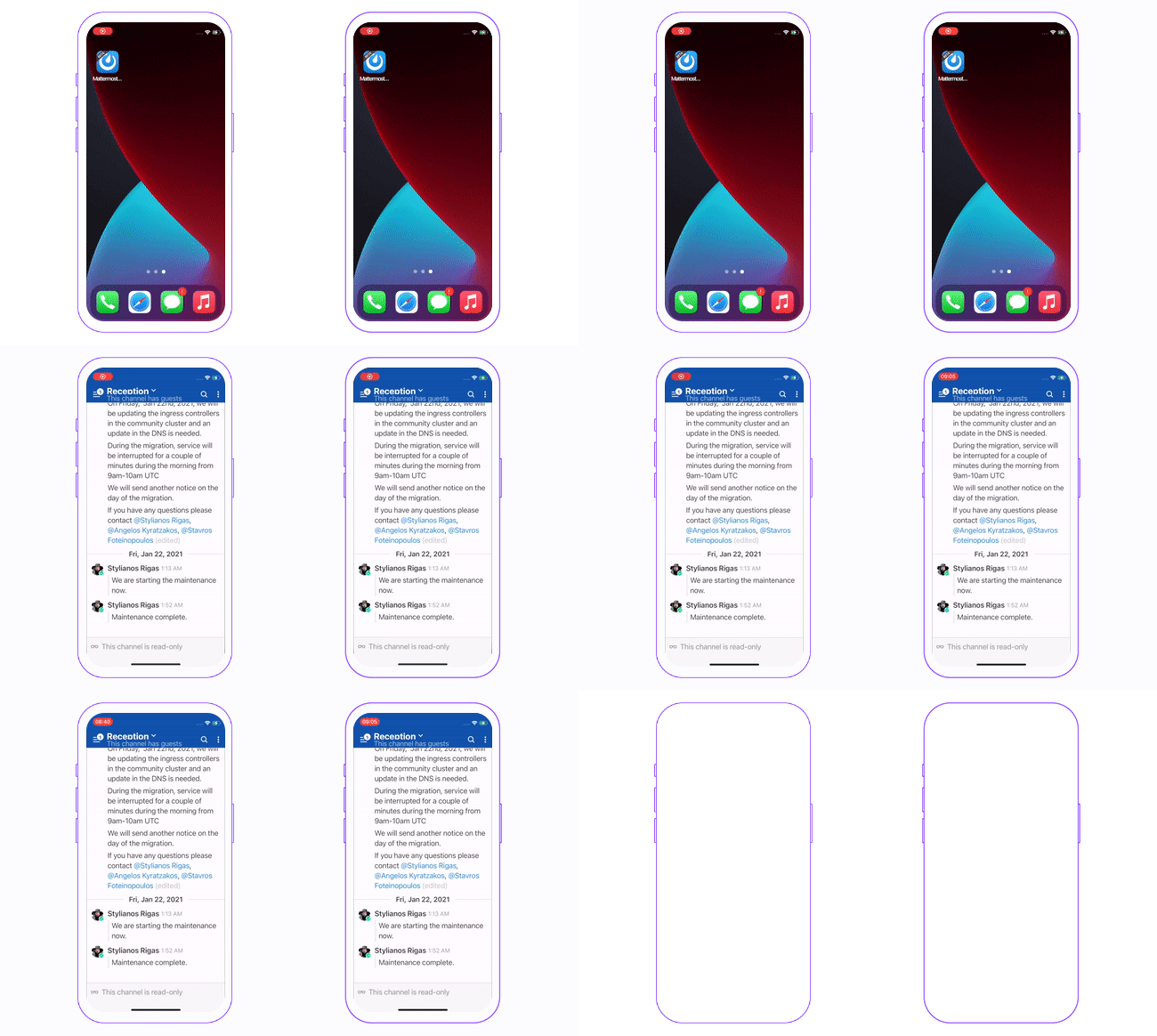
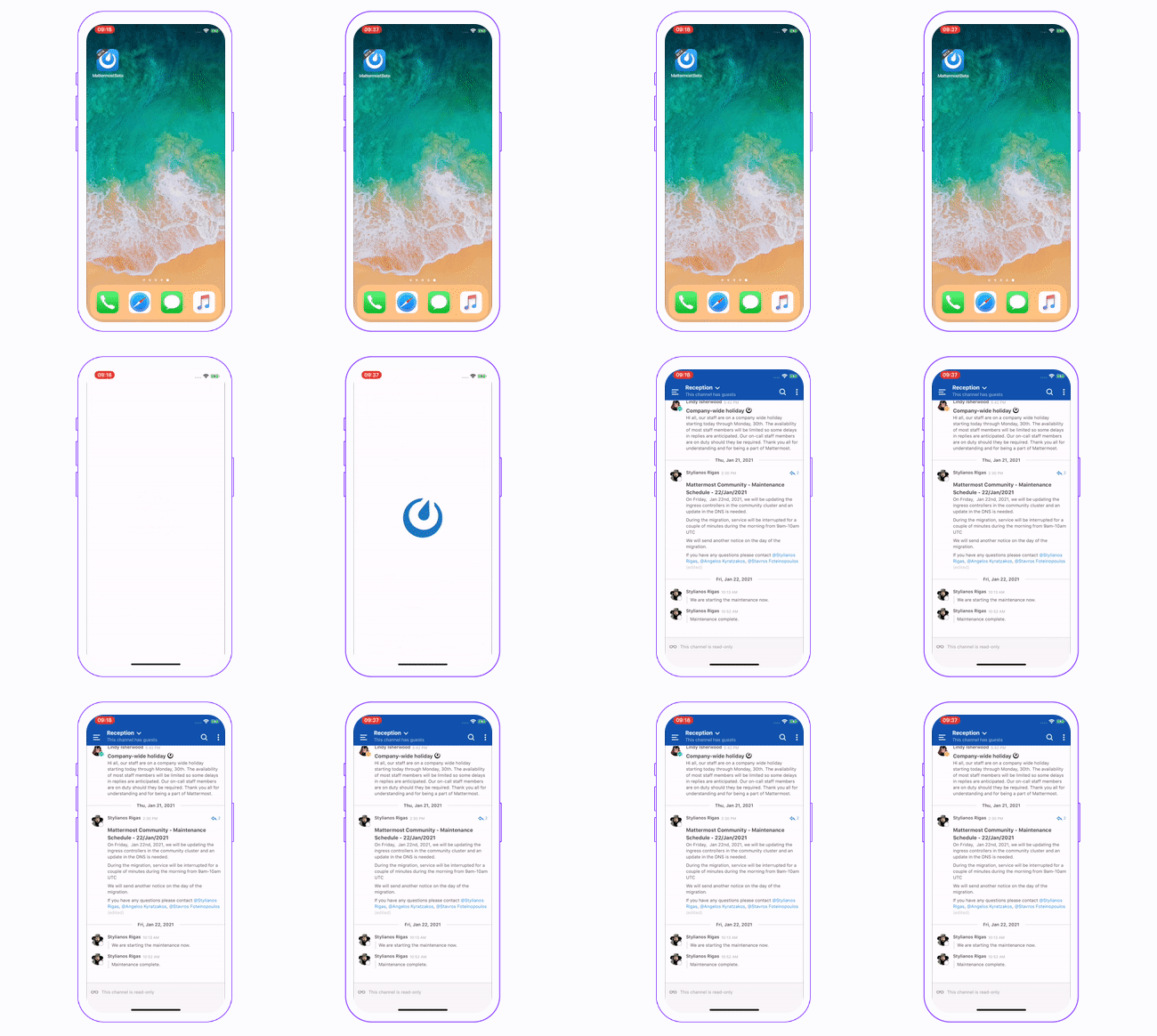
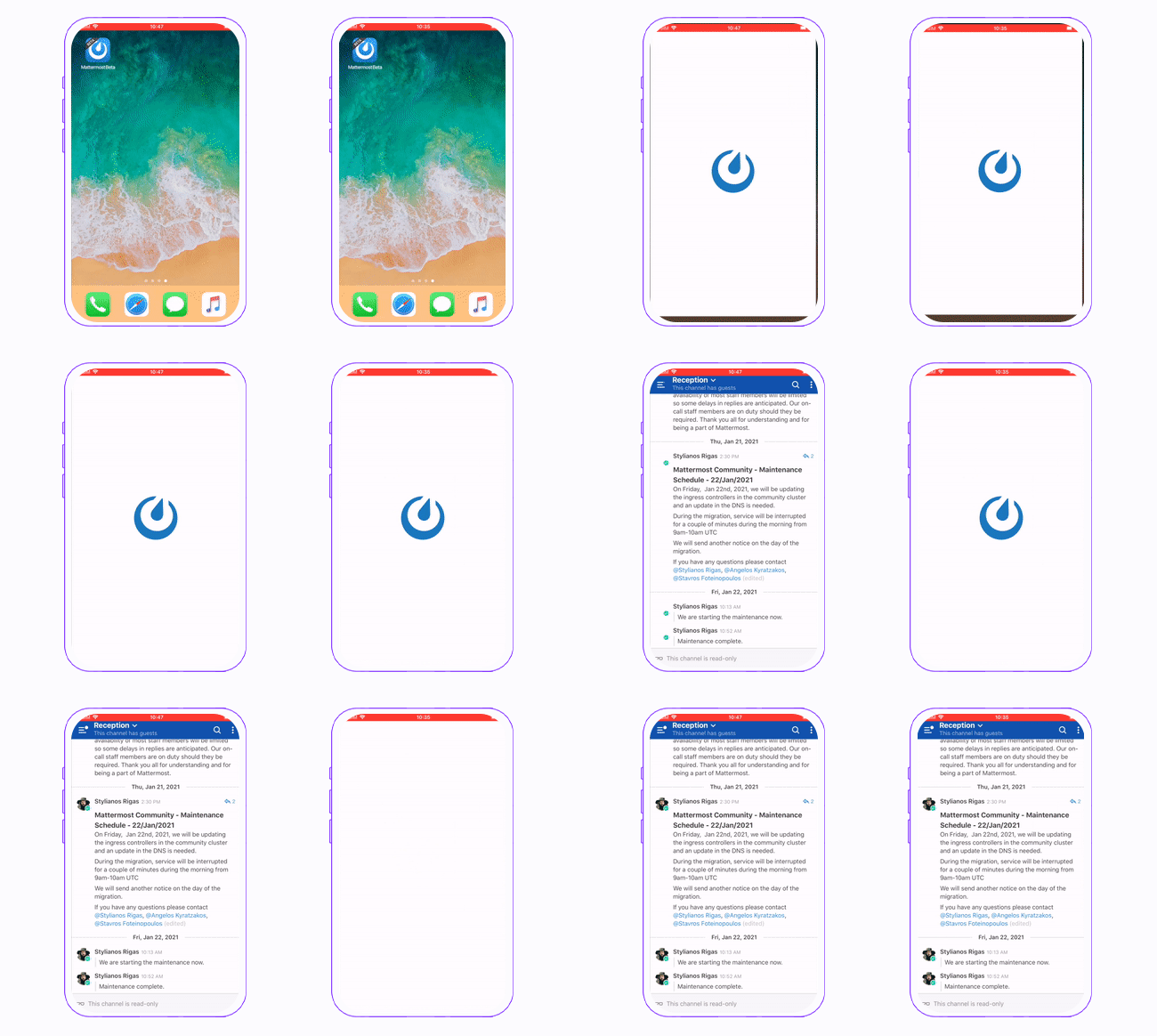
Note: To better visualize the TTI difference, we have a) recorded and included a side-by-side breakdown of an application launching with both Hermes enabled and disabled and b) performed that test on a different set of Apple devices, from iPhone 12 mini, iPhone X to iPhone 6 Plus.
Time to Interactive (TTI)

We measured the time for the app to become usable. Everything between pressing the app icon and seeing the first screen rendered was measured multiple times to get the final results. We can see that mobile applications with Hermes launch faster than a regular React Native app on all tested devices.
The difference is least significant on the latest iPhone 12 family that is powered by A14 Bionic. We can see it grows as we run the test suite on older devices. For example, on the iPhone 6 Plus (that I remember buying a brand new not so while ago), it is 2.5s!
If you are not sure whether these numbers make a difference, take a look at the side-by-side video recording we have done on each of these devices. Fun fact, while doing it myself, I have learnt that I am able to notice half a second difference!
iPhone 12 Mini
iPhone X
iPhone 6 Plus
Memory

On iPhone 12 with the enabled Hermes engine the average memory usage for the Mattermost application is around 178mb. In an application without Hermes memory, the same actions use around 216mb. Apparently, there is 38mb improvement in memory usage. For such an application - an application that displays loads of data - this is a great change.
Size

On iPhone 12, the application with Hermes engine included was 2 megabytes larger in size overall. That is not a surprise - JSC comes built-in with every iOS version and there is no need to ship it separately. Besides including the Hermes engine itself, we’re also generating a bytecode bundle which contributes to it.
I think this is really good news - 2 megabytes is not much and it will have less of an impact the larger your codebase is.
Conclusion
It’s been really fun playing around with Hermes on iOS with React Native 0.64 and testing it out on Mattermost example. Unless there is something stopping you from upgrading to the latest release, I highly recommend trying it out. The TTI improvements alone are remarkable - your users will definitely enjoy your application launching in a blink of an eye!
To find out how to compile Hermes and integrate it with React Native, check our two-part Technical Guide. We are positive it will prove useful when playing around with Hermes and when working on a custom engine in React Native.
Find out more
As part of The React Native Show, we released a podcast fully dedicated to Hermes: React Native 0.64 with Hermes for iOS. Check it out to learn more about Hermes on iOS and MacOS from Facebook and Microsoft engineers.
Looking to improve your React Native app performance? Download our Ultimate Guide to React Native Optimization. It describes best practices for optimizing app stability, resource usage, user experience, and maintenance costs. And if you’re looking for experienced developers to help you boost your product’s performance, give our React Native development company a shout.


