ReanimatedArc - Build Circular Animated UI Elements in React Native

Authors
Jakub Mazurek
Software Engineer
@
Callstack

Circular UI elements are a common pattern in many modern apps. They are usually used to indicate some kind of progress, for example

  • your bank account balance,
  • time passing on a stopwatch in your smartphone,
  • macronutrient ratio in your diet,

and many more.

They are used whenever we want to show that something is a part of the whole. A circle seems to be the most natural way of representing this relationship.

However, rendering a circle is not trivial in <rte-code>react-native<rte-code>. One of the possibilities is to use <rte-code>react-native-svg<rte-code> with some math calculations. But what if we also want to:

  • Animate our arc
  • Animate it with native performance
  • Control the progress with gestures

This is when our new library - ReanimatedArc comes into play.

ReanimatetdArc for the rescue!

Reanimated-arc is a utility component to build various UI elements that consist of arcs with the ability to animate the rendered arc. You can use a high-level wrapper that would animate the arc based on prop value change or low-level component to control your animation with react-native-reanimated. It can be also combined together with react-native-gesture-handler to build outstanding sliders. Also, thanks to the ReanimatedArc library the animations are very smooth.

Now, let's find out what we can build with the new library!

Circular Progress Bar

This is the most obvious usage of ReanimatedArc. To build circular progress we have to combine two arcs:

  • the first will be used for background
  • the second will be used to indicate progress.

We will interpolate an animated value into the text to show the percentage of the progress. This example can be found in the repository.
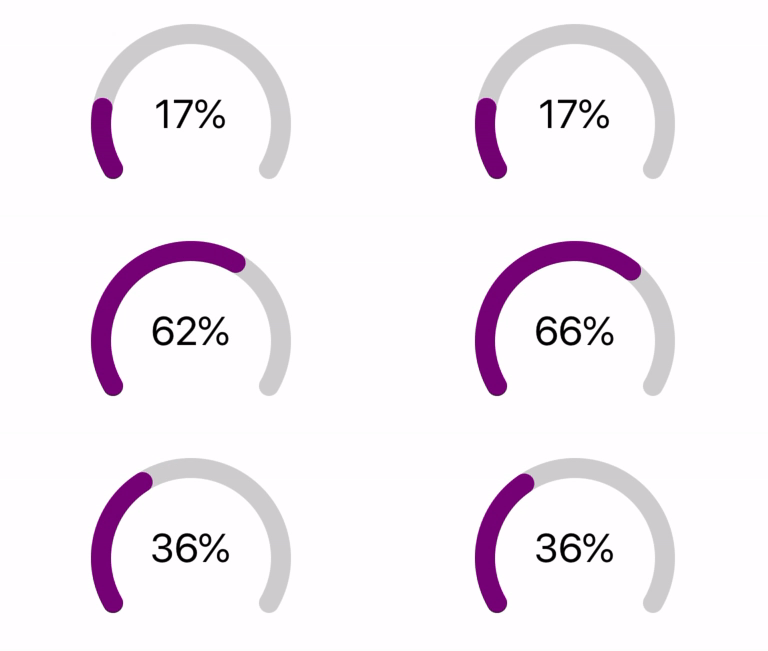
gif presenting circular progress bar made with ReanimatedArc library

Donut chart

Donut charts are a great way of representing various kinds of data. For example, it may show macronutrients in a particular meal in some health apps. Also, it can display the ratio of your spendings in a particular month compared to the remaining funds in your bank’s app. The example below shows a nicely animated donut chart.

gif presenting donut chart made with ReanimatedArc library

Displaying time

What’s more, ReanimatedArc allows you to build a simple stopwatch. This type of chart can also be used in various projects like, for example, workout apps.
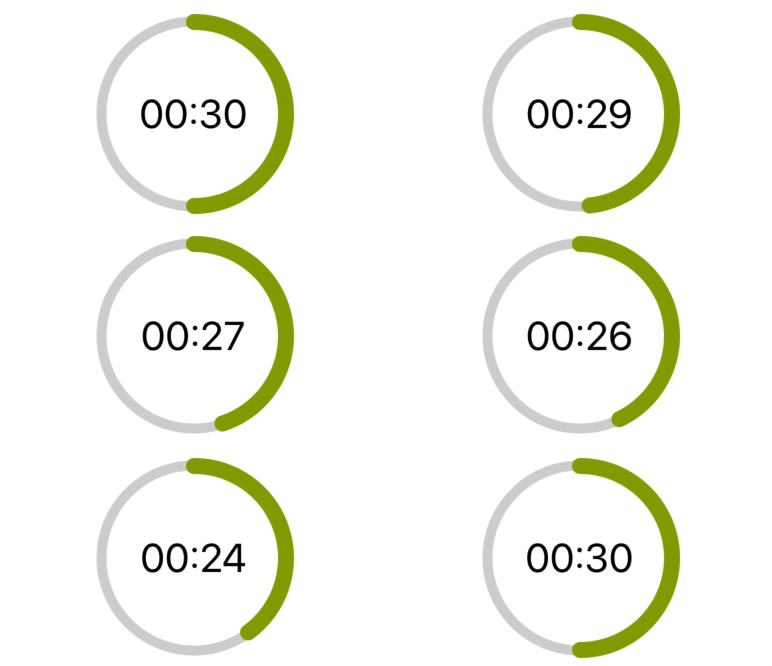
gif presenting stopwatch made with ReanimatedArc library

Rounded slider

The rounded slider is commonly used as a component for adjusting some settings. Let's imagine that you have a Smart Home. Your smartphone is a command center in your hand. One of your smart devices is a light bulb with adjustable brightness. Imagine how awesome it would be to dim your light with a nice-looking rounded slider… No problem. Check slider implementation .
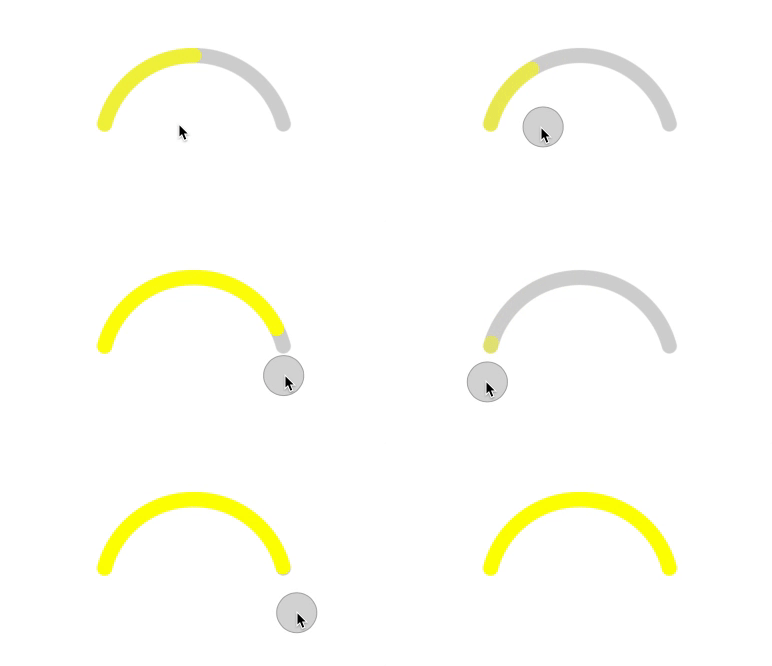
gif presenting rounded slider made with ReanimatedArc library

Summary

To sum up, ReanimatedArc library allows you to build good-looking and smooth animated arcs. They can be used in many different types of applications such as banking, sports, Smart Home or diet apps. I hope that this library will be helpful to you. If you like the project don't forget to give it a star on GitHub.

Happy Coding!

Insights

Learn more about Animations

cover

Jul 8Podcast

React Native Ease: Platform-Native Animations Without the Extra Work

Łukasz talks with Janic from App & Flow about React Native Ease, Core Animation, Reanimated trade-offs, and performant UI animation in React Native.

cover

Jul 7Podcast

Where Reanimated Goes Next

A conversation with Bartłomiej Błoniarz on CSS animations in Reanimated, native primitives on iOS, shared element transitions, and the work still left on stability.

cover

Oct 30Live Stream

Reanimated, TanStack, Cross-Pollinating Languages & TWIR #256 Anniversary

Catch up on everything from TanStack updates and Astro insights to Reanimated deep dive and even Swift for Android. Plus, we celebrate the 256th newsletter!

Events Cover

Apr 16Talk

How to Make Your React (Native) App Feel Native

How to make your React Native app feel truly native, across iOS, Android, tvOS & more. Dive into best practices, navigation, and react-native-bottom-tabs.

cover

Feb 19Podcast

Reanimated 4 is the Future of Smooth React Native Animations

Reanimated 4 is now available in beta, and if you work with animations in React Native, you need to know what’s new!

cover

Oct 11Article

A Deep Dive Into React Native Reanimated v1

Read the article to learn more about what React Native Reanimated is, how it works under the hood, and what idea stands behind the library.

cover

Oct 25Article

Custom Screen Transitions in React Navigation

Wondering how to custom a screen transition animation in React Navigation? Check this step-by-step guide.

cover

Aug 8Article

Reanimating Your React Native Experience

Read how to achieve delightful developer experience with react-native-gesture and react-native-animated.

cover

Jan 17Article

React Native Animations Revisited - Part III

Learn how to respond to screen gestures with PanResponder. Check the last part of our Callstack series on React Native animations!

cover

Jan 10Article

React Native Animations Revisited - Part II

In this part of the three-part guide about animations in React Native we cover creating animations with Animated API.

cover

Jan 4Article

React Native Animations Revisited - Part I

Three-part guide for developers explaining how to deal with animations in React Native - Part 1.

cover

Mar 19Tutorial

The Hard Way vs. The React Native AI SDK Way: Stop Writing Custom Modules for Every Model

Learn how React Native AI uses a unified provider model to switch between cloud and on-device LLMs without rewriting application logic, enabling reliable AI experiences online and offline.

cover

Mar 12Tutorial

Build Smarter Apps: Tool Calling & AI Orchestration Explained

Learn how on-device models in React Native can call tools, interact with external APIs, and return structured outputs you can use directly in application logic.

cover

Mar 5Tutorial

MLC LLM + React Native: On-Device AI Without the Pain

Learn how to run third-party on-device LLMs in React Native using MLC LLM. Choose your models, run them efficiently across platforms, and keep a unified JavaScript API with React Native AI.

cover

Feb 24Tutorial

Intelligent Fallbacks with Apple Intelligence in React Native

Learn how to use Apple’s built-in Foundation Models in React Native apps, reduce memory usage, and enable fast, fully on-device AI with React Native AI Apple.

cover

Feb 10Tutorial

What Is the React Native AI SDK? A Complete Intro & Quickstart

Learn why on-device AI matters for React Native apps, how local LLMs behave offline, and what problems React Native AI is designed to solve from day one.

cover

Jan 29Tutorial

Implementing an Android TurboModule with Kotlin

Learn how to implement a React Native TurboModule on Android, from the TypeScript spec and Codegen to the Kotlin implementation and package registration.

cover

Jan 19Tutorial

Working with Different Threads in Swift TurboModules

Learn how JavaScript, native module, background, and main threads interact in React Native TurboModules, and how to use GCD queues to run async work safely in Swift.

cover

Jan 9Tutorial

How to Add Type-Safe Constants to Swift TurboModules

Learn how to expose typed, immutable constants from a Swift TurboModule using Codegen, and get full end-to-end type safety between native and JavaScript.

cover

Dec 30Tutorial

Adding Event Emitters to Your TurboModule in Swift

Learn how to emit native events from a Swift TurboModule and subscribe to them in JavaScript, including proper memory management and Codegen integration.

cover

Dec 22Tutorial

Writing Your First TurboModule in Swift

Learn how to build a fully working TurboModule in Swift, integrate it with Codegen, and bridge it through Objective‑C inside an Expo app.