

Managing open-source license compliance in large projects is complex. Dependencies pull in other dependencies, often hundreds or thousands, making it nearly impossible to track every license manually. Hidden obligations buried in transitive dependencies can slip into your application without you realizing, potentially introducing restrictive terms or legal risks.
Today, we’re releasing license-kit visualize, a CLI tool that scans your project, maps the full dependency graph, and presents an interactive view of licenses for every package. It lets you explore subgraphs, review license categories, generate AI-assisted summaries, and spot potential risks early. It gives developers, maintainers, and legal teams the clarity they need to ensure compliance.
The tool will open a local web interface with your dependency graph, license breakdowns, and detailed package information. Whether you need to eliminate a problematic dependency, understand the structure of your project, or prepare a compliance report, this visualization makes it easier to act on complex license data.
To get started, run:
npx license-kit visualizeor continue reading to learn more about how it works and why it matters.
Use Cases
Example use cases of the visualize command could be as follows:
- Having an overview of your dependencies: it’s important that you know what’s happening.
- Eliminating a single package: due to cyclic nature of node_modules dependencies graph, it's not always enough to just remove a dependency, as it may be required by other dependencies. Thanks to visualization, you can see which packages depend on it and try to replace that subgraph with alternative packages that would allow you to achieve the same, but are offered under more suitable licenses for your case
- Reviewing the level of permissiveness within your dependencies and the relations between them.
- Viewing the relations between packages themselves: you may see unnecessary packages that are duplicates in terms of offered functionalities; maybe you would be able to migrate to the ones already introduced to your project to flatten this graph & benefit from a smaller bundle size.
Anatomy of Open Source dependencies
A typical application using Open Source software is a project (your package.json) bringing in a set of dependencies you are using in your code. These dependencies, however, introduce others and so on. Such dependencies are typically called transitive dependencies. Thankfully, license-kit handles transitive dependencies for you.
Before we proceed, we have to define the term dependency. By a dependency in this article, we will mean an ordered pair (package, version). A single package, e.g., X, may be present N times in the project in different versions; therefore, it’s crucial to distinguish unique combinations thereof. Each combination may even be distributed under a different license. Sounds overstretched? Not really, you might not have known that, but React itself was licensed under BSD + patents for versions ≤ 15.X (15.3.2 license here) and changed its licensing model starting from 16.0.0 to MIT (19.1.0 license here).
Keep in mind this may happen unattended anytime you do npm i (or the equivalent in your package manager), since the resolutions may change (e.g., a package depending on X@^6.1.0 without changes to your package.json may once resolve to 6.1.0 and the next time you run it, if patch upgrade(s) had been published in the meantime, it may resolve e.g., to 6.1.5).
Moreover, as you probably know, dependencies in a project form a rooted graph structure, which is a graph with one node (vertex) designated as the root. The root is your package.json, which introduces dependencies, which in turn bring in transitive dependencies and so on; therefore, each node (dependency) has relations (edges) to other nodes (their dependencies). Notice that I mentioned it’s just a graph, which has directed relations (from parents to their dependencies); ideally, it should be a directed acyclic graph (DAG), yet rarely it may happen that poorly designed packages may finally introduce dependency cycles. This structure cannot be called a true tree since it collides with the definition:
[…] the remaining nodes (excluding the root) are partitioned into m ≥ 0 disjoint sets […]
Source: Donald Knuth. The Art of Computer Programming: Fundamental Algorithms, Third Edition. Addison-Wesley, 1997. ISBN 0-201-89683-4 . Section 2.3: Trees, pp. 308–423.
The disjoint requirement forces that each node can only belong to one of the m subtrees, which is violated by one entirely possible edge case: a situation in which a dependency is introduced by multiple packages at once, resolving to that same version each time. Such a case can be seen below, where side-channel-map depends on call-bound and get-intrinsic, but also call-bound itself depends on get-intrinsic:

In the visualize tool, we support all such cases thanks to the logic handling both this and other “edge cases”, such as monorepositories or multiple versions of the same package being installed at once in our API package @callstack/licenses that powers both the license-kit CLI and our react-native-legal package.
Getting Started
To have full control and complete knowledge about what licenses are present in your dependency graph (and why), you can use the visualizer tool. To run it, just run npx license-kit to use a temporary installation of it, or add it as a dev dependency to your project if you plan to use it more often in your project.
Then, you can visualize your dependency graph by running npx license-kit visualize, which will launch a local web server providing a web GUI for analysis and open the webpage by default.
Loading the report
You will be greeted with the following screen:
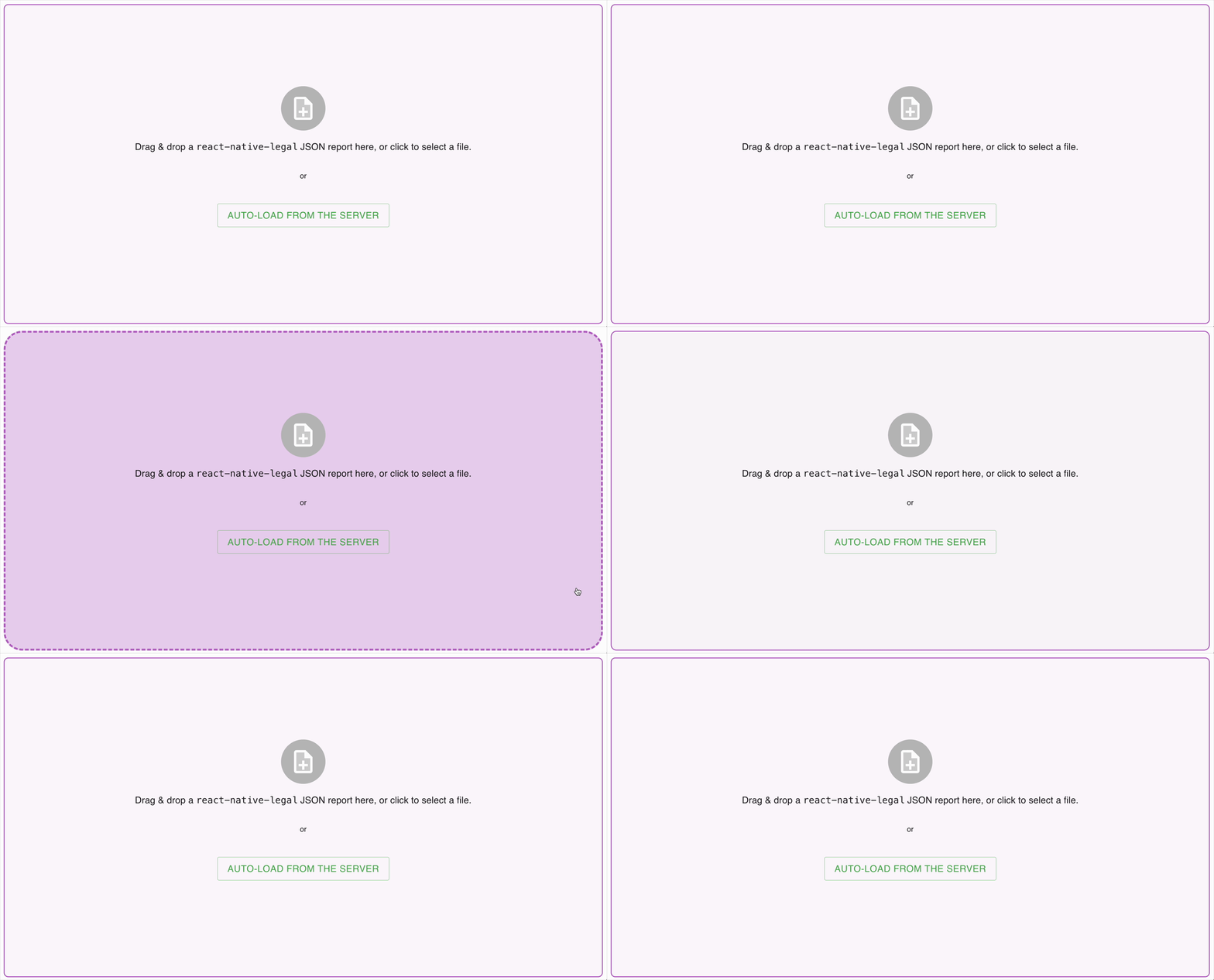
You can either drag-and-drop a report generated with npx license-kit report ... --output report.json or use the “auto-load from the server” button for the visualize command to scan the package.json in your current working directory. The lockfile (of any package manager you might be using) will be watched for changes to auto-regenerate and stream the new report with Server-Sent Events (SSE) to all connected browser sessions.
The visualize command supports all scan-related flags that report does as well. For instance, you can point it to the directory containing a package.json file by passing --root /path/to/project. For a list of all options (including dependency type filters), run npx license-kit --help or check out this article on our blog. Bind hostname & port can be adjusted with --host and --port, respectively.
Features
Interactive package preview
After loading the report (which may take a few seconds, depending on the size of your project, due to rendering a large quantity of nodes and edges), you will see the graph centered at your root package node and a sidebar presenting you with various accordion sections and a detailed view of the last-hovered node:

With the details view, you will be able to quickly review the full license text of a package, its license category, resolved and specified versions, its type (dependency / dev / optional / transitive dependency), author and description.
Licenses & graph state overview
Breakdown of the share of licenses in general and within license type categories, giving you an overview of what the possible culprits for your case are.

License statistics
Another tool is a visualization of specific license types shares within categories & in general.
This tool allows you to have a visual overview of what is going on within the licenses in your project.
AI-turbocharged project state summary
The last tool is an AI-turbocharged summary generator that summarizes the licenses-packages graph using the in-browser Summarization API (currently only available in Chrome or Chromium-based browsers). This means you can use a local, browser-provided API for summarizing the findings and have a quick-start at what to look at in the graph.
Of course, as always with Language Models (LLMs), be aware that the outputs may not be accurate or may not be complete.
Browsing a subgraph
To easily review the subgraph of a package, click it to filter the graph just to the subgraph rooted at that node. The tool will automatically trace a path from that node up to the project root to visualize the full trace of why this package was included in the project. In cases when a package has multiple parents at once (like below), all paths will be included.
Summary
The license-kit visualize gives you a clear, interactive view of your project’s dependency graph and the licenses within it—helping you spot restrictive terms, duplicates, and hidden obligations before they become issues. With subgraph exploration, license statistics, and AI-assisted summaries, it streamlines compliance checks for developers, maintainers, and legal teams alike.
Check out the repo on Github, give it a star, and start exploring your own project’s licenses today.


